
Cutmap
From a campaign brief to the moments worth clipping
Visit websiteI designed Cutmap’s workflow and website to show how a campaign brief becomes a shortlist of video moments to review
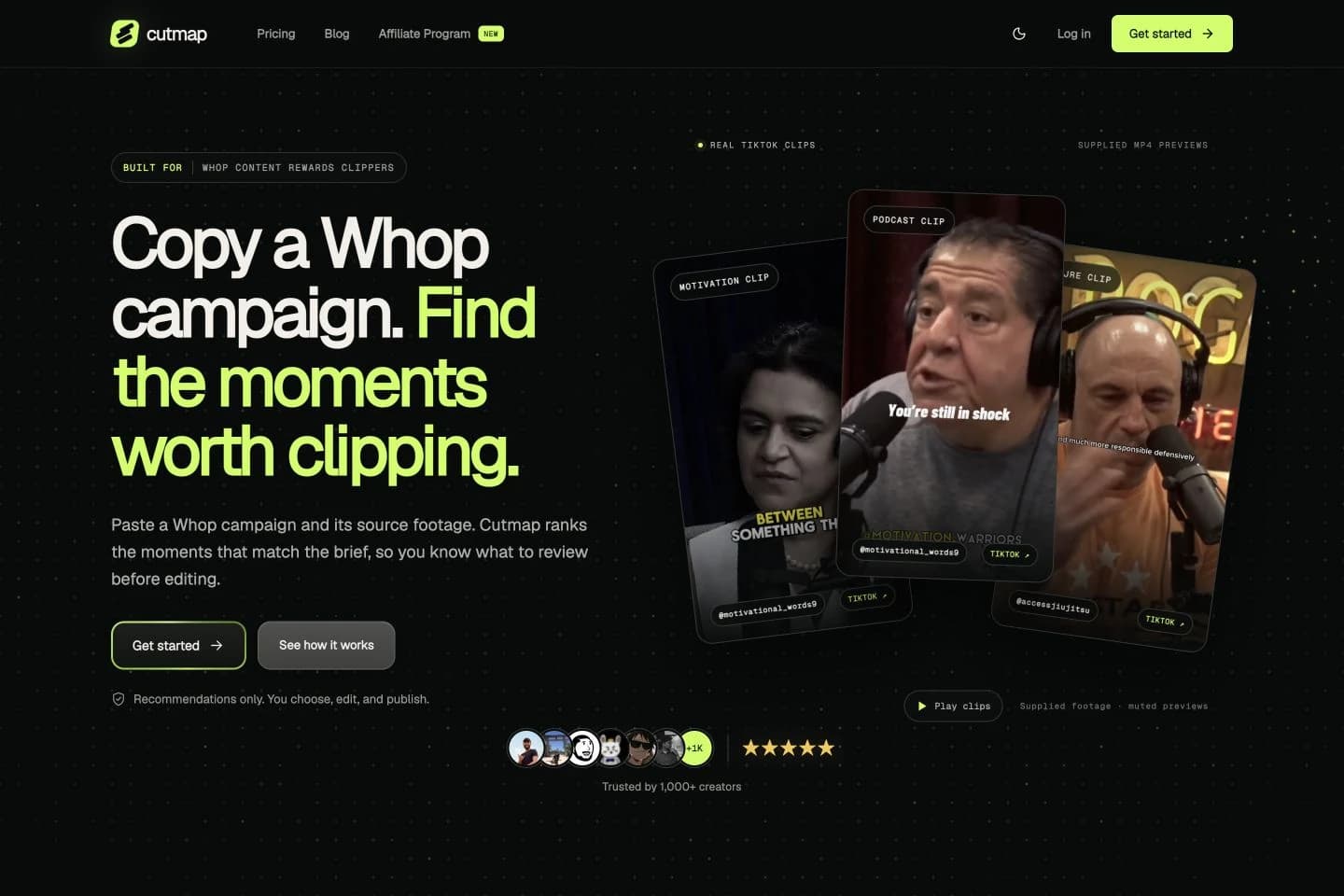
Give every clip a reason to belong to the campaign
A useful campaign clip has to do more than catch attention. It needs to fit the brief, make sense on its own and give the editor enough context to make a decision. Cutmap brings those questions into the same review flow.
My work connects product strategy, the campaign workflow and the public website. The opening pairs a direct explanation with actual source video previews, so visitors can see the kind of material the product is built around.
Follow one campaign all the way through
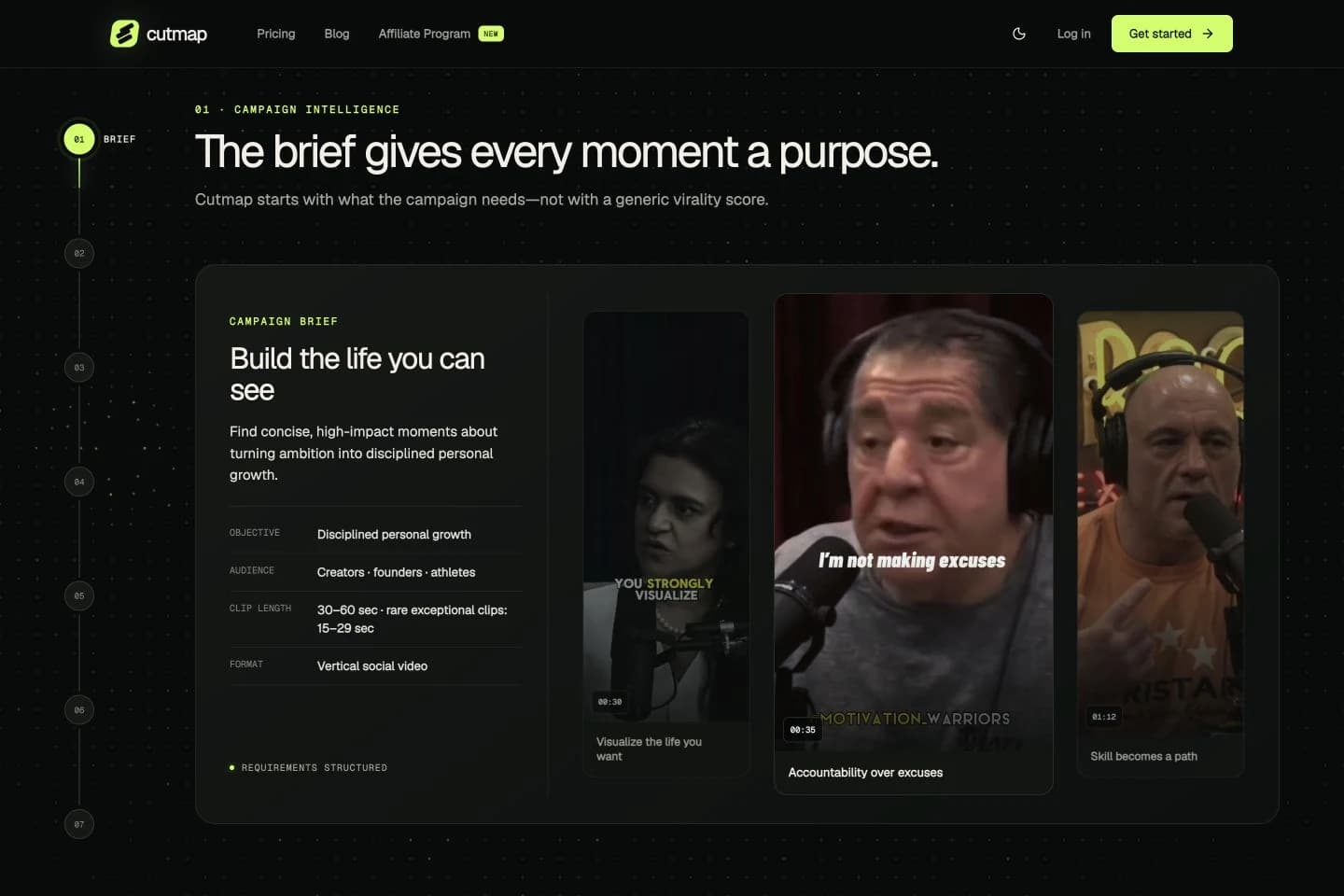
The website turns the workflow into seven stages: Brief, Sources, Understand, Match, Rank, Review and Prepare. The same three source videos continue through the sequence, making each change easy to follow.
Scrolling advances the demonstration. A numbered navigation rail also lets visitors jump to a specific stage. The brief establishes the objective, audience, duration and format before the interface introduces analysis and recommendations.
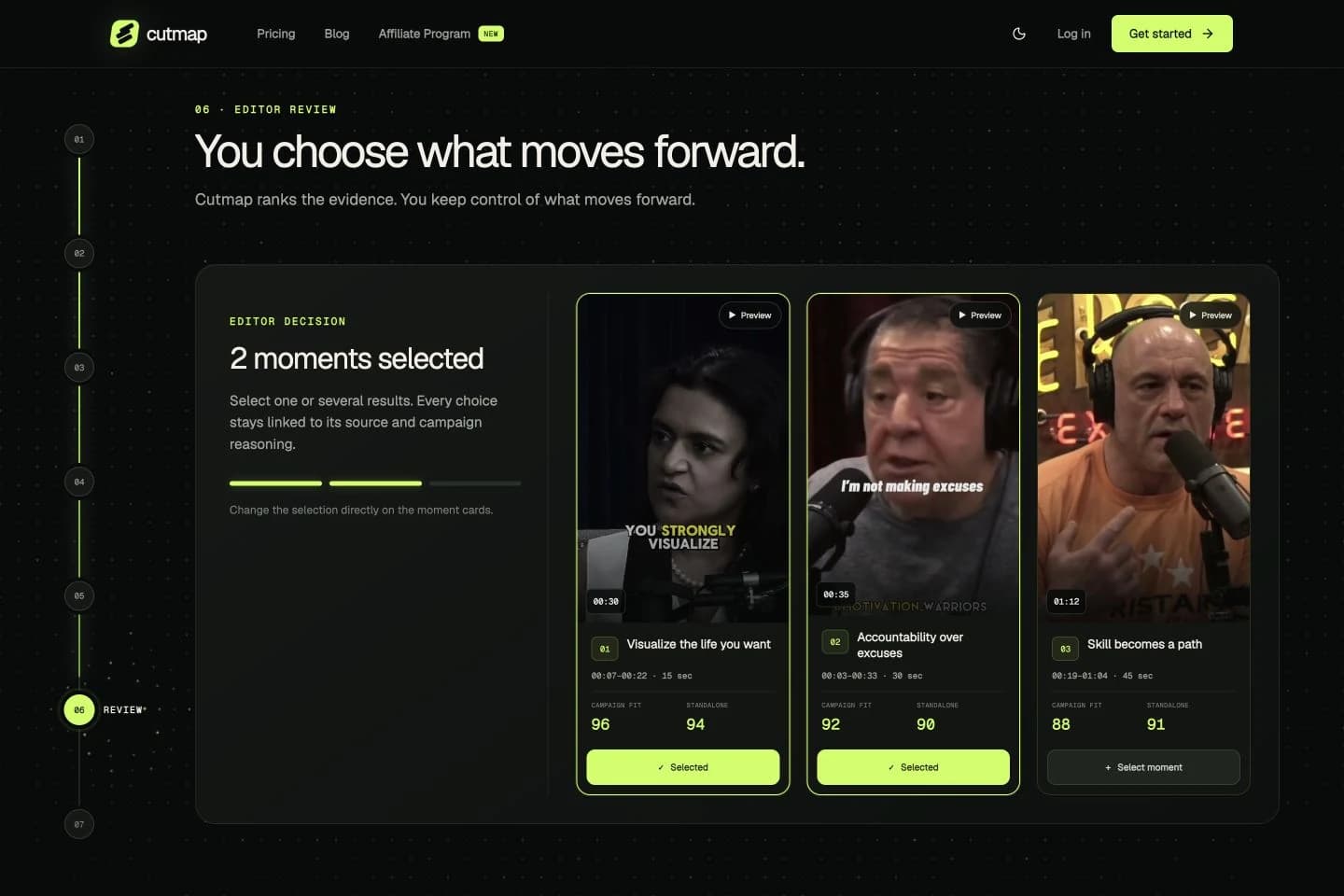
Keep the editor’s decision visible
Each recommended moment keeps its source, timestamps and scores in view. Campaign fit and standalone clarity appear separately, giving the editor more to consider than a single overall ranking.
In the review stage, visitors can select or deselect moments directly on the video cards. The selection count and lime outlines respond together. Recommendations lead to a deliberate choice before preparation and editing.
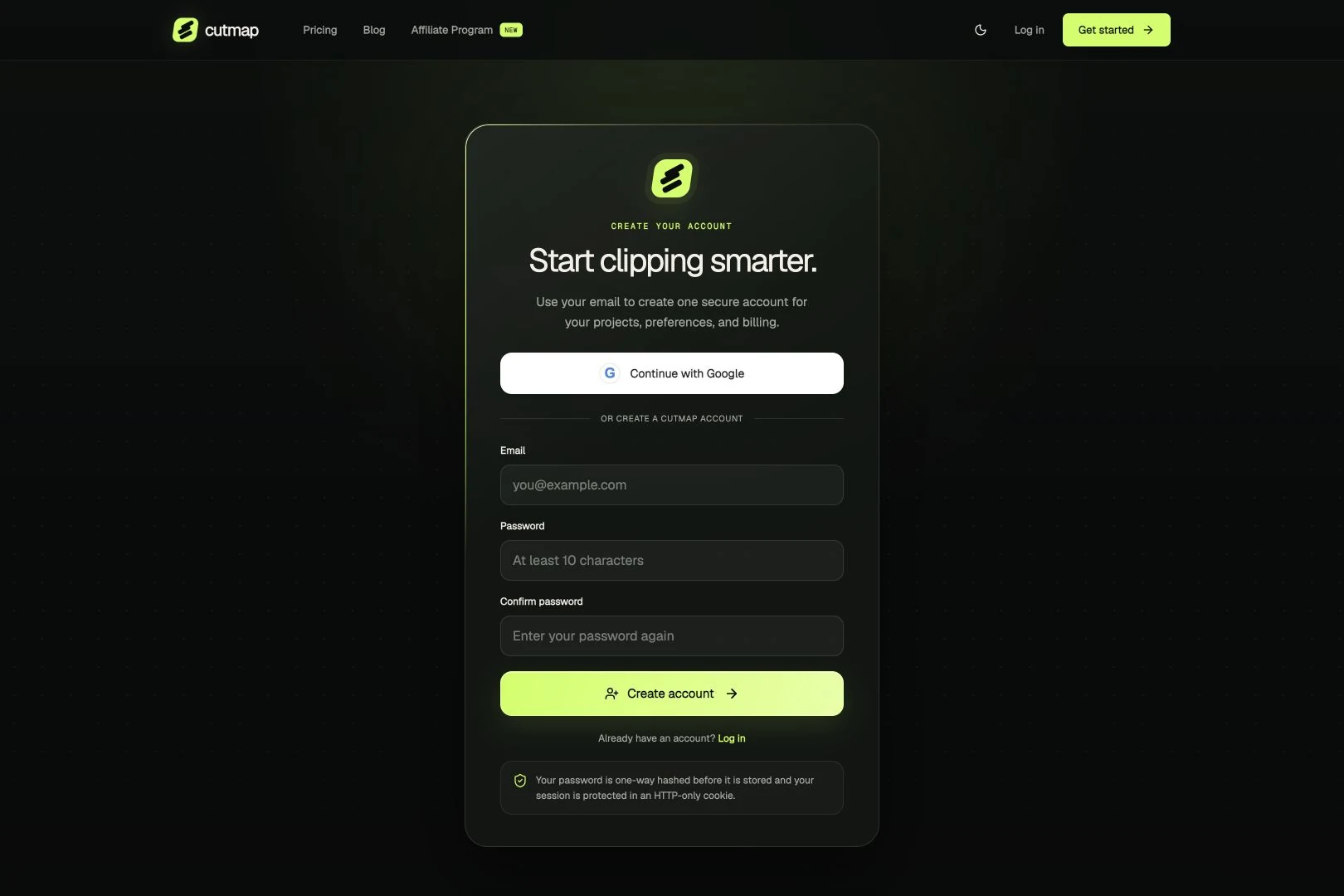
Carry the same identity from the first visit to sign-up
Large type, a dark background and lime accents establish Cutmap’s identity. Video provides the main visual content; the accent marks the current step, selected moments and primary actions.
The sign-up page carries that language into a quieter, focused form. Google and email registration are presented clearly, with a separate route for returning users. The transition keeps the product recognizable as the visitor moves beyond the homepage.
A published website that demonstrates the product
The site brings together source video previews, an interactive campaign walkthrough, pricing, product articles and account entry. These screenshots show the published website and its public demo, with the workflow explained through the interface itself.